Free · Unofficial · By the IUS Engineering Club
Class Schedule
A free weekly timetable for IUS students: add your classes once, and the app fills in the course details, midterms and quizzes for you.
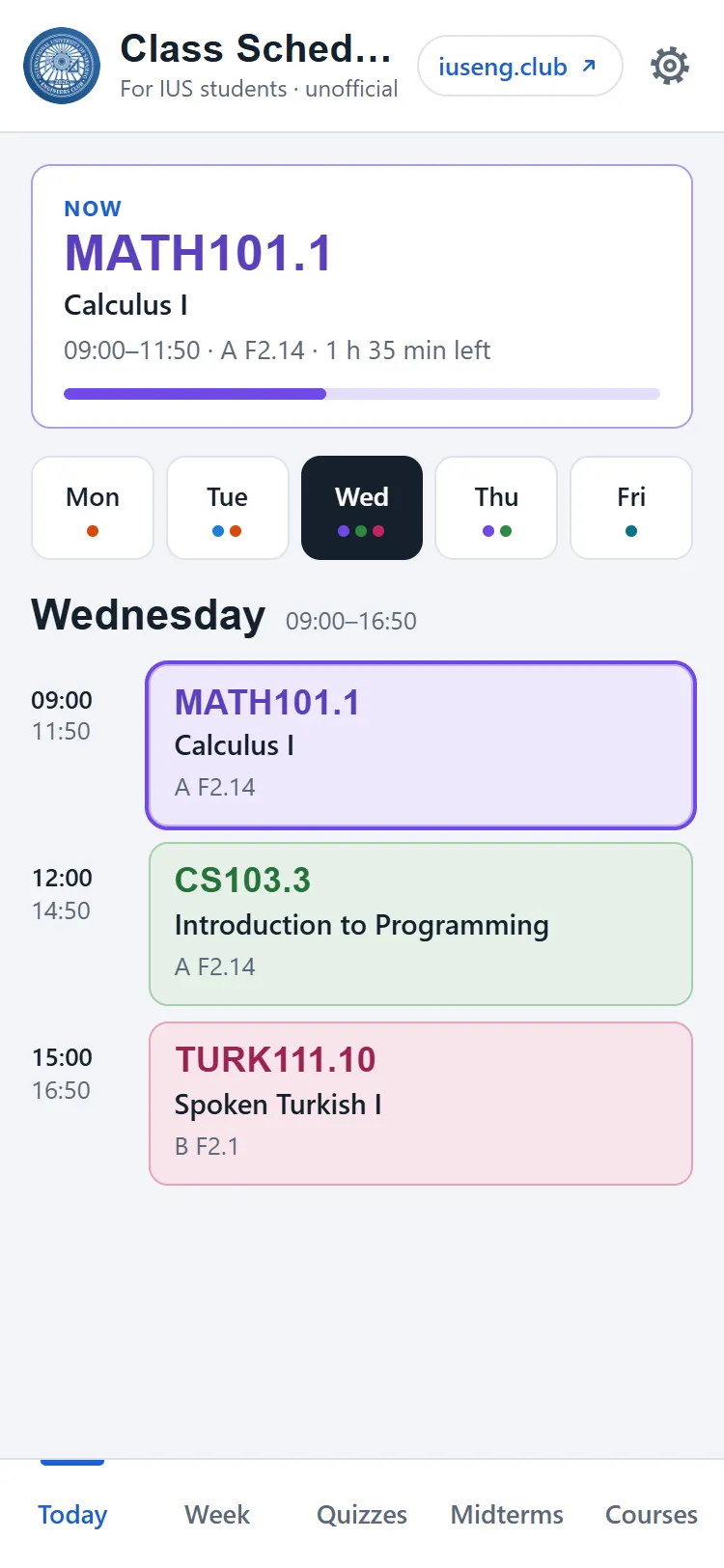
Try it right here
This is the real app with a sample timetable. Nothing you do in it is saved.
The live preview could not load, so this is a screenshot.
Screen
Living themes
More themes
09:00 What it does
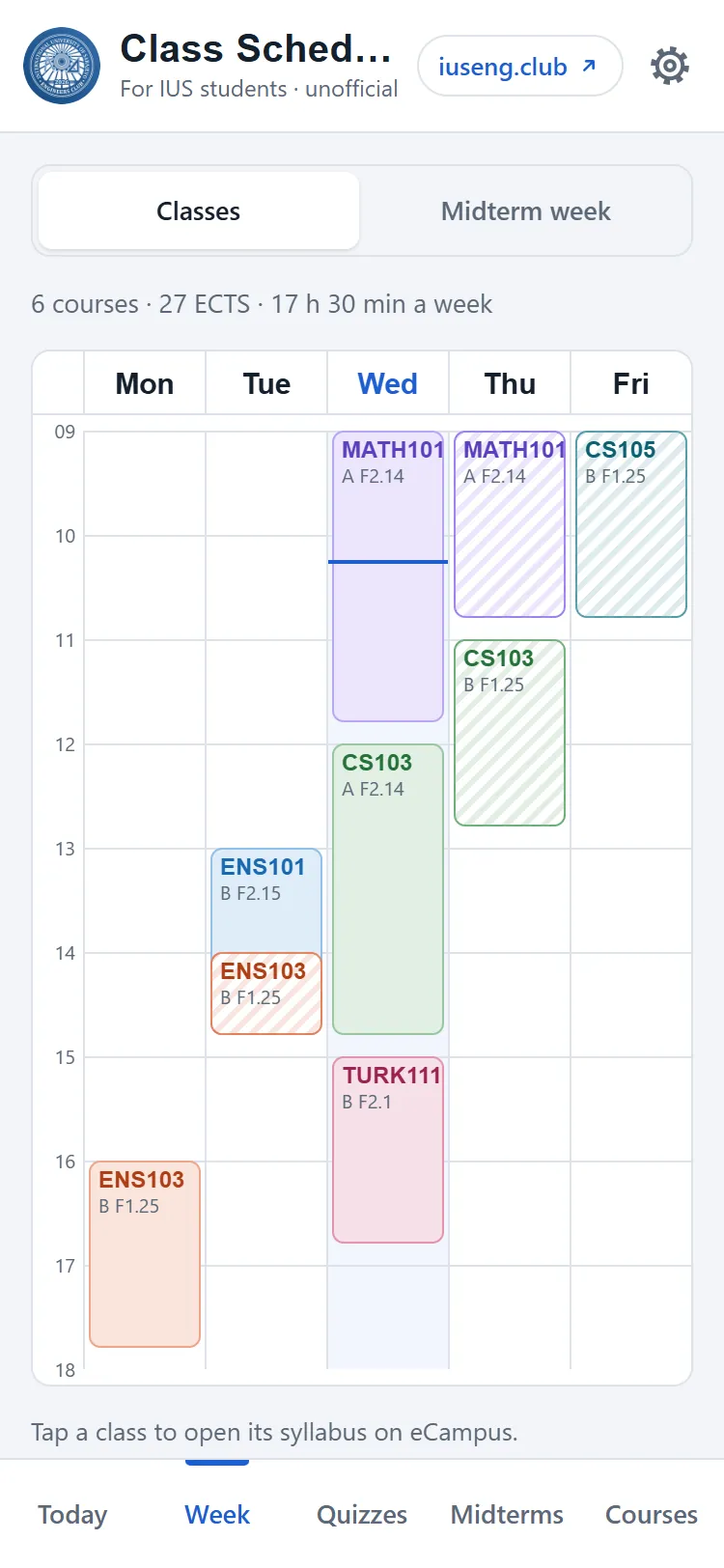
Your whole week on one screen
-
Your weekly timetable
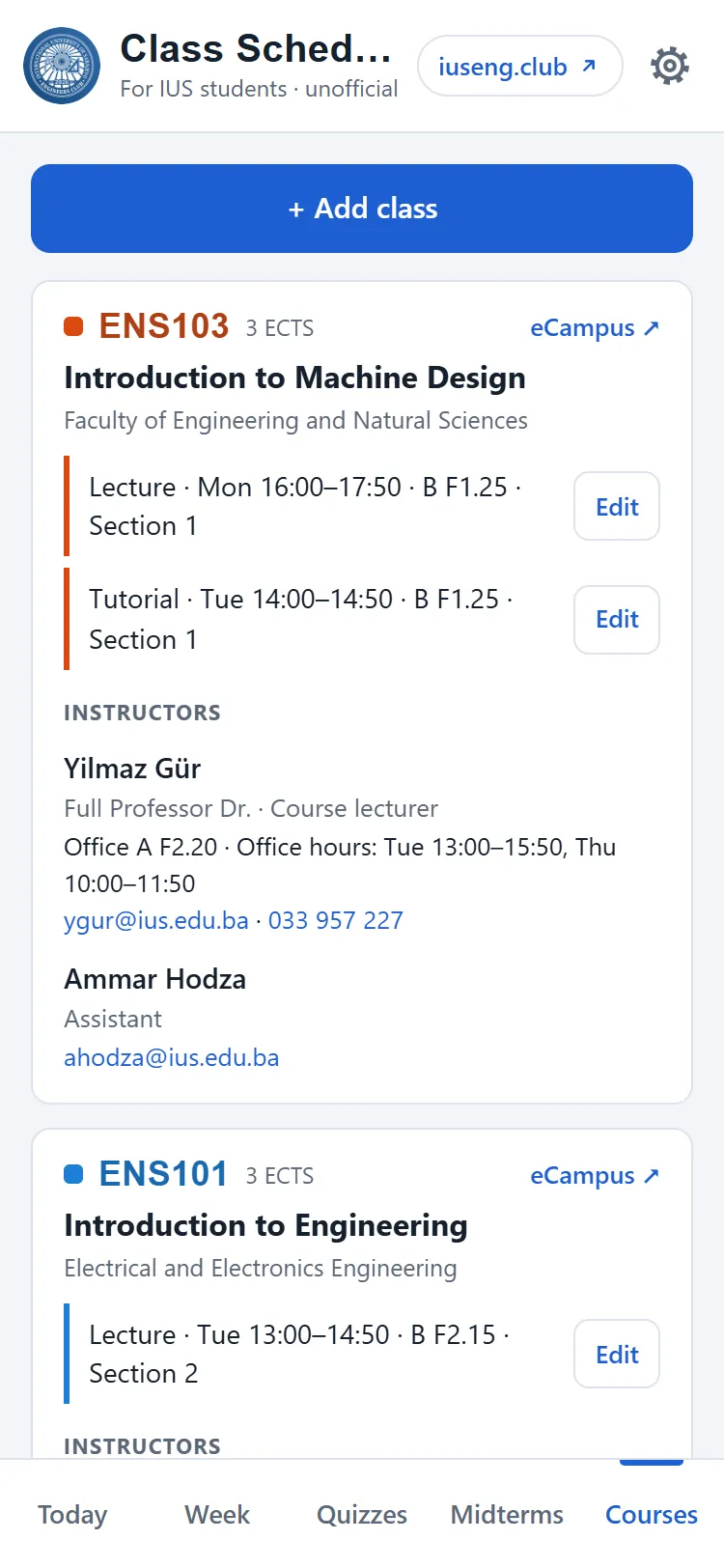
Type a course code such as CS103 and pick your section. Lecture times and rooms come from the official IUS schedule; lecturers, assistants, ECTS and office hours from eCampus.
-
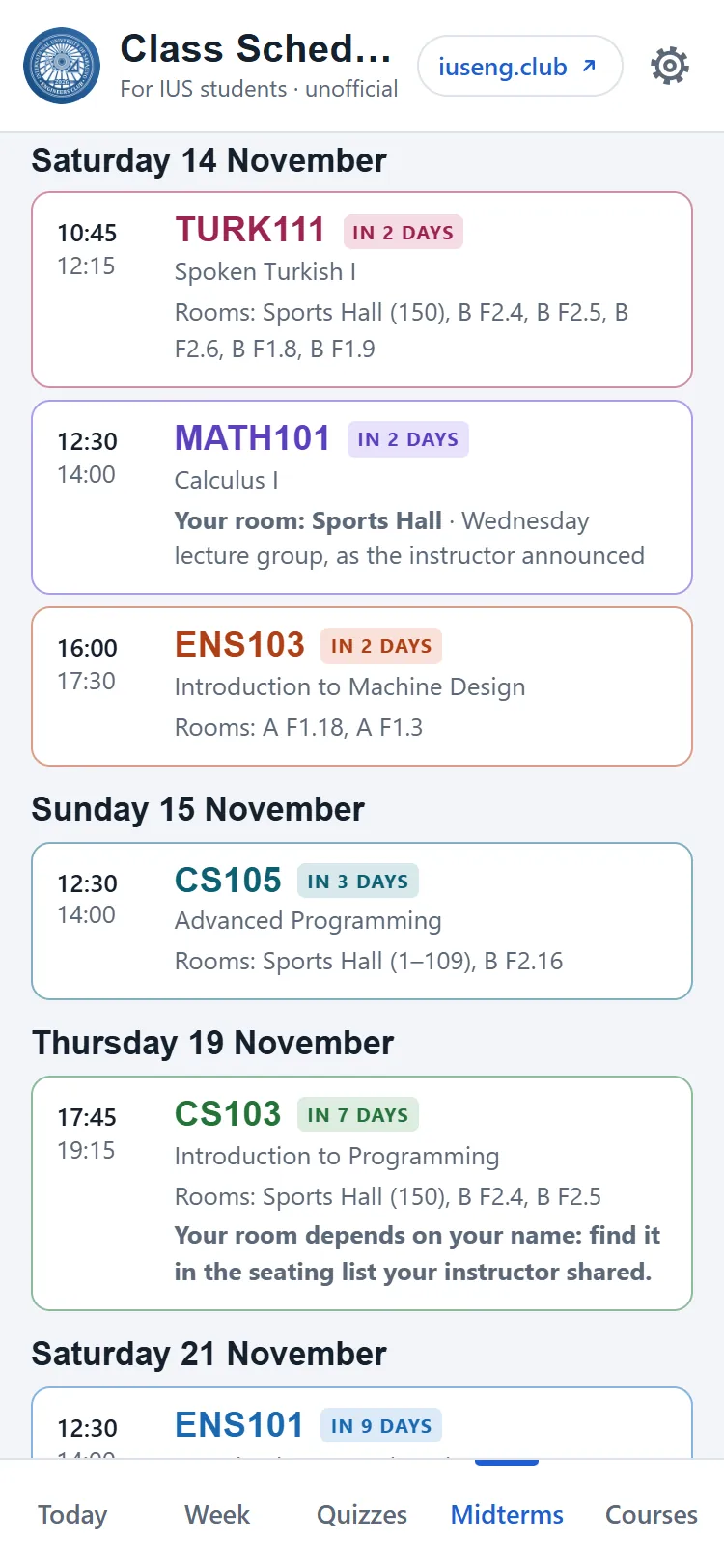
Midterm dates and rooms
The date, time and room of each of your midterms, from the official midterm schedule. During midterm week, Today shows your exams instead of classes.
-
Quizzes from classmates
Students report upcoming quizzes, the club checks each report, and the quiz then shows for everyone in that course and section.
-
Class reminders
On Android: a reminder before each class and an evening summary of tomorrow, each switched on in Settings.
-
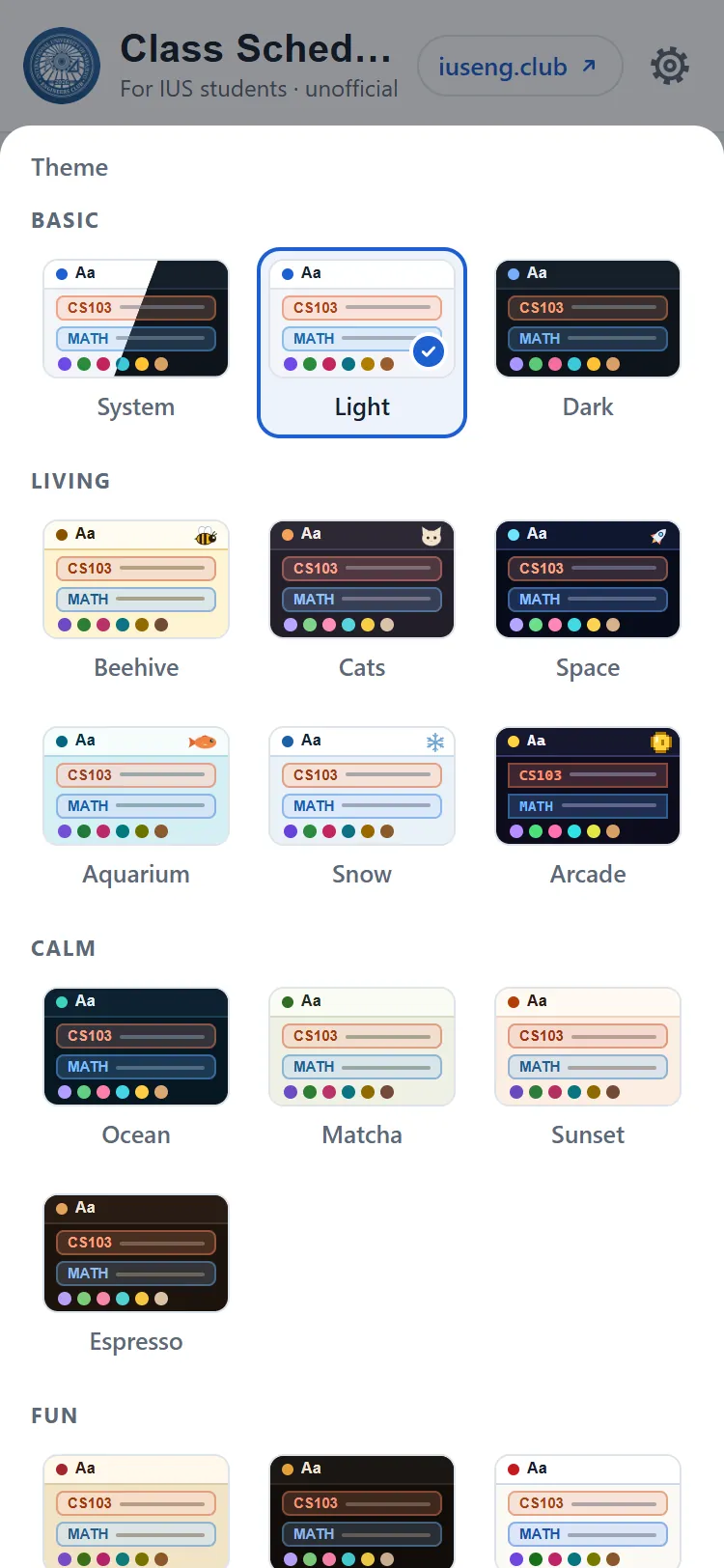
20 themes
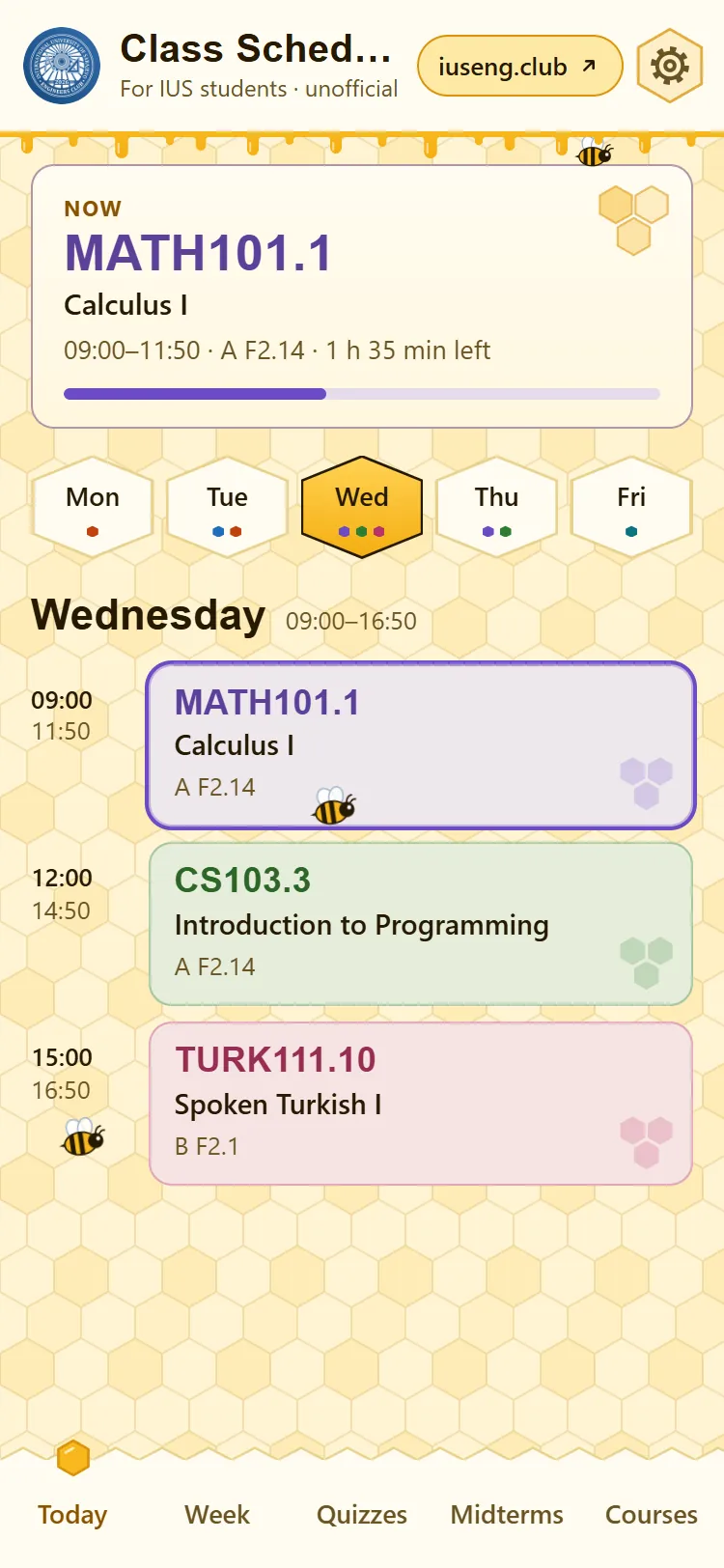
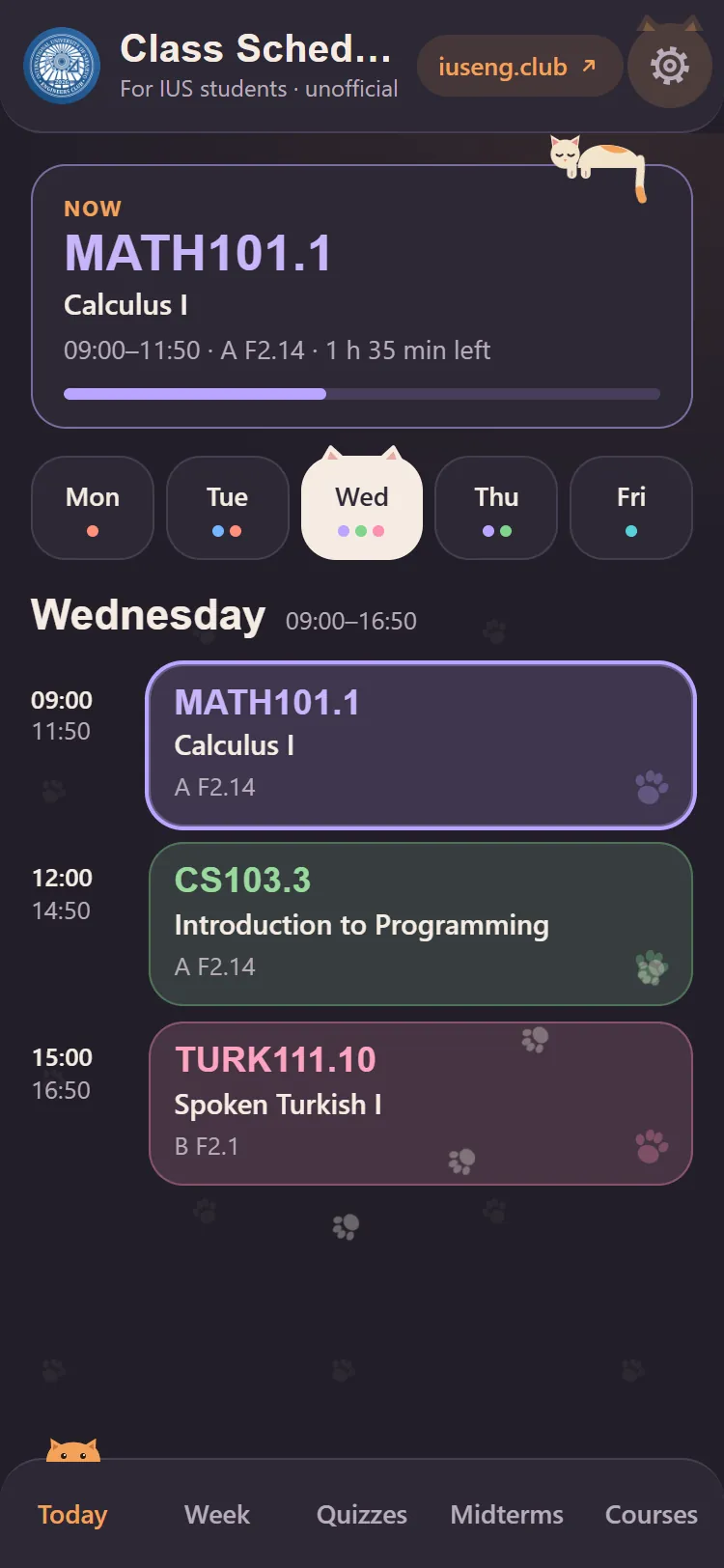
Light, dark, calm and fun ones, plus six living themes where bees, cats, fish and snow move around. Or let it follow your phone.
-
English, Turkish and Bosnian
Change the language in Settings, behind the gear at the top right.
-
Works offline
The Android app opens with no connection, and the browser version keeps its last copy too.
-
Your timetable stays on your phone
It is stored only on your phone or in your browser and is never uploaded. No account, no login.
10:30 How it works
From the official PDF to your phone, every night
Nobody types the course list in by hand. A small program collects it every night, and your phone downloads the result.
-
1
IUS schedule PDF and eCampus
The official term schedule gives lecture times and rooms. eCampus gives syllabus links, ECTS, lecturers, tutorial and lab sections, and office hours.
-
2
Nightly collector on GitHub Actions
Every night it looks up only this term's courses, waits 10 seconds between requests as eCampus asks, and saves any changes.
-
3
GitHub Pages
Each change republishes the app's website on its own. It is plain HTML, CSS and JavaScript.
-
4
Your phone
The app loads the newest version when you are online and keeps a copy for when you are not. Your timetable is saved only here.
Why it is built this way
You add your own classes
Reading your schedule from SIS would need your SIS password. Typing a code and tapping a section takes a few seconds, and your password stays yours.
Two sources, each for what it does best
The schedule PDF is the most current source for lecture times and rooms. Starting from it, the collector checks about 250 courses on eCampus instead of 1,700.
One polite collector, not every phone
One program reads eCampus once a night instead of every phone asking it. If eCampus changes its pages, one fix in the collector repairs it for everyone.
Install once, updates arrive by themselves
The Android app loads its screens from GitHub Pages, so fixes and new features reach everyone without a new APK.
Opens without internet
The APK carries its own copy of the app, and the timetable is stored on the phone, so nothing is lost when you go offline and back.
One app for Android and the browser
The Android app is a thin shell around the web app, so both run the same code, and iPhone users get the browser version.
12:00 Screens
See it before you install it
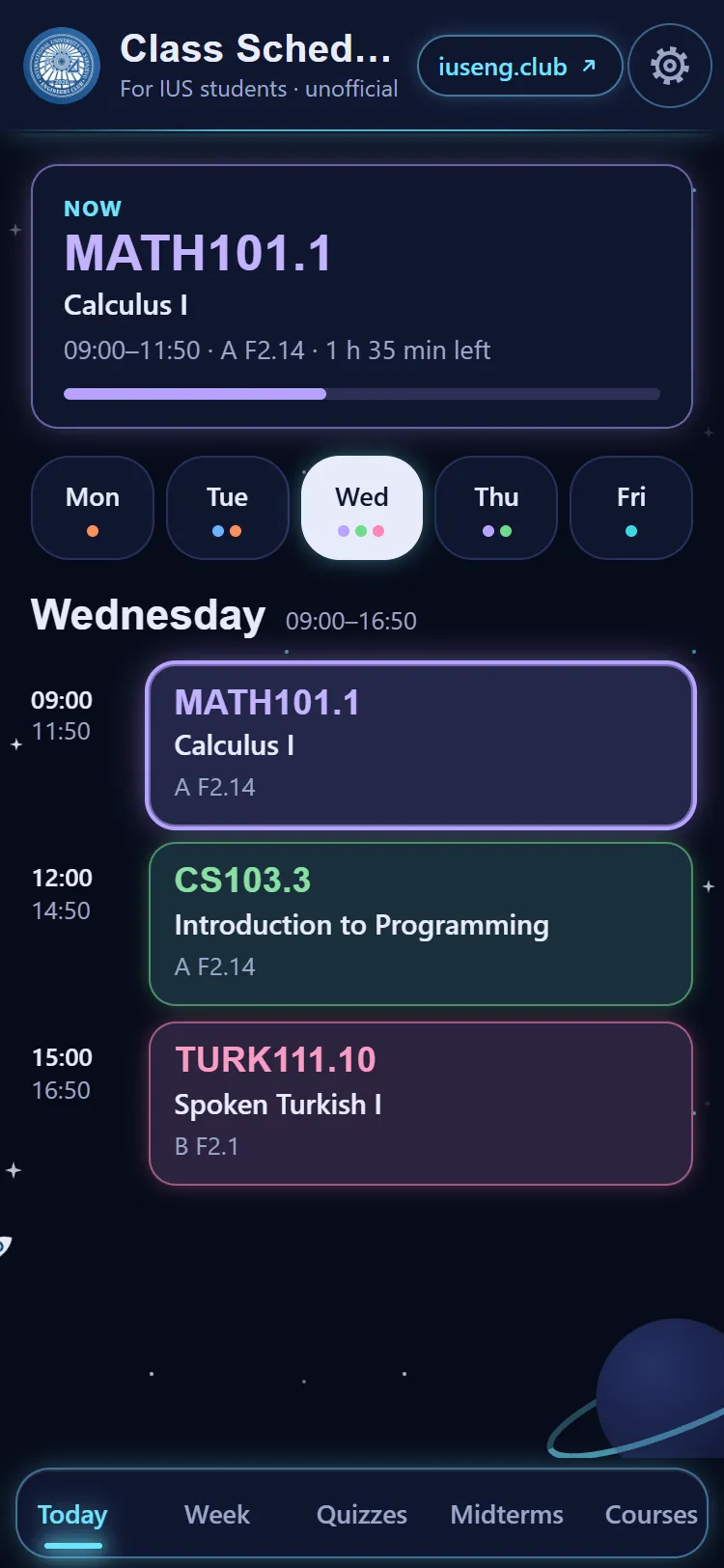
Real screens from the app, with a sample timetable.
13:30 Install
On your Android phone in three steps
- On your phone, open the latest release on GitHub.
- Download
class-schedule.apkand open it. - Allow installing from this source when Android asks.
You only do this once. New screens and course data arrive by themselves whenever the phone is online.
No Android phone? Add it to your iPhone or open it in the browser.
14:00 iPhone
On your iPhone in five steps
There is no APK for iPhone. Add the browser version to your Home Screen instead: it gets its own icon and opens like an app. Class reminders are on Android only.
-
08:30
Open it in Safari
Go to hasankaan28.github.io/class-schedule in Safari. It has to be Safari: if you opened the link inside Instagram or WhatsApp, first tap the menu there and choose “Open in Safari” or “Open in browser”.
-
08:30
Tap Share
Tap the Share button in Safari's bottom bar: the square with an arrow pointing up.
-
08:30
 Class Schedulehasankaan28.github.ioCopyAdd to Home ScreenFind on PageEdit Actions…
Tap Add to Home Screen
Scroll down in the sheet that opens and tap Add to Home Screen. Not there? Scroll to the end of the list, tap Edit Actions and add it.
-
08:30
Class Schedulehasankaan28.github.io
Tap Add
Check that the name is Class Schedule, then tap Add at the top right.
-
08:30Class Schedule
Done
The Class Schedule icon is now on your Home Screen. It opens full screen, like an app.
Using Chrome on iPhone? The same Add to Home Screen is under Chrome's Share button.
15:00 Questions
Good to know
Is this an official IUS app?
No. It is an unofficial student project by the IUS Engineering Club, not made or endorsed by IUS. When in doubt, the official schedule and your instructor have the final word.
Is my timetable uploaded anywhere?
No. Your timetable is stored only on your phone or in your browser. The app downloads course data and the quiz list, but never sends your classes anywhere. When you report a quiz, the report goes to the club for checking, and your name is optional.
Is there an iPhone app?
No, but the browser version works on iPhone, and you can add it to your Home Screen so it opens like an app: see the five steps. Class reminders are on Android only.
A time or room is wrong. What now?
eCampus is sometimes behind; a tutorial can move before the syllabus is updated. Edit the class in Courses: times you enter yourself always win. Then tell the club at iusengclub@gmail.com so it gets fixed for everyone.
Does it cost anything?
No. It is free, with no account and no sign-up.
16:30 Who made it
Made by students, for students
 A project of the IUS Engineering Clubiuseng.club
Found a bug or a wrong time, or have an idea? Write to the club:
iusengclub@gmail.com